Bring your schedule
Import Primavera P6 XER files or Excel workbooks directly in your browser.
Project controls, without the gatekeeping
OpenPlan reads your P6 and Excel schedules locally, then makes progress, delay, risk, and performance easier to explain — and writes recovered plans and site progress back out again.
Files stay in your browser. No account required.
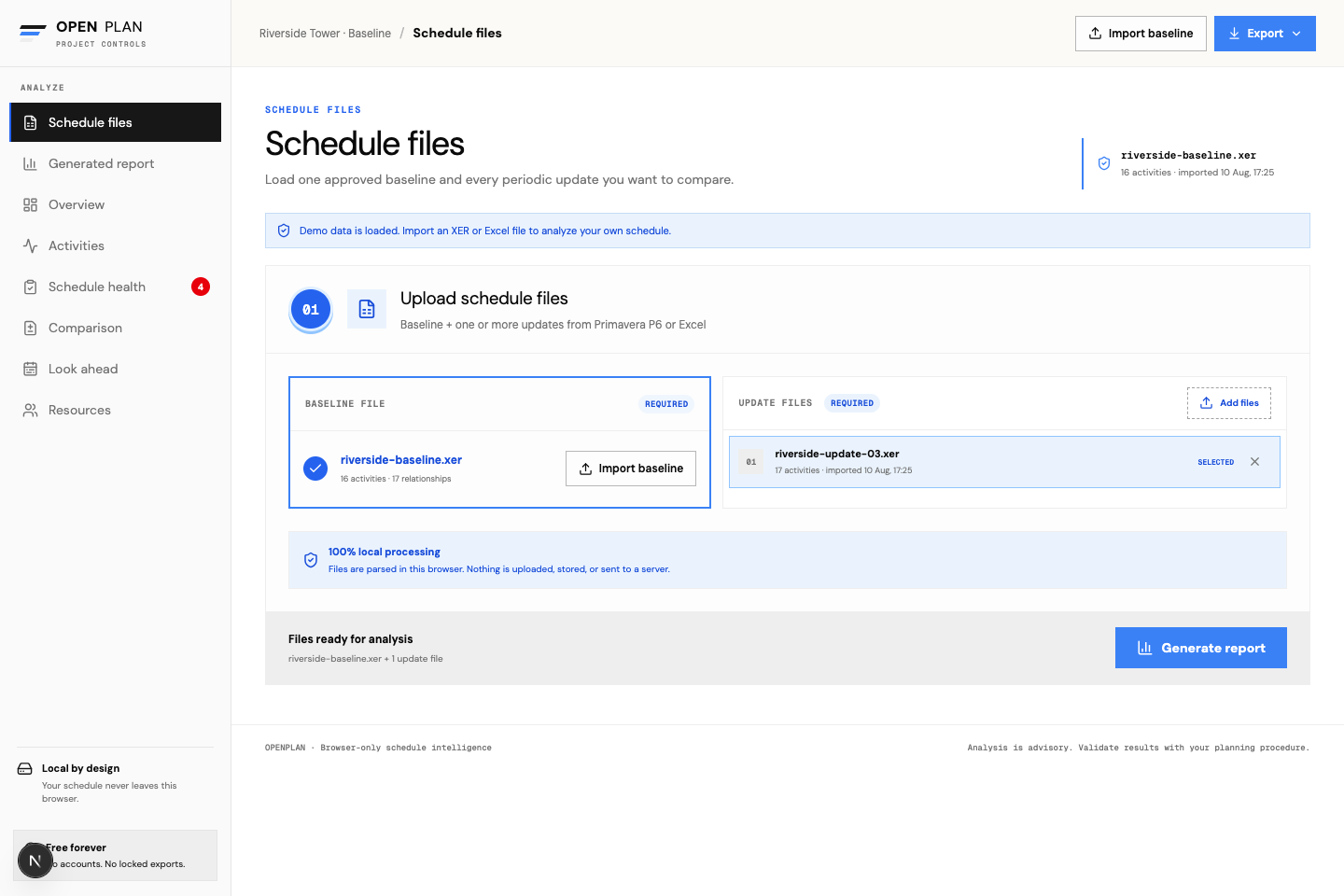
A focused workflow
Import Primavera P6 XER files or Excel workbooks directly in your browser.
Compare baselines with updates, trace the driving path, model delays, and quality-check every activity.
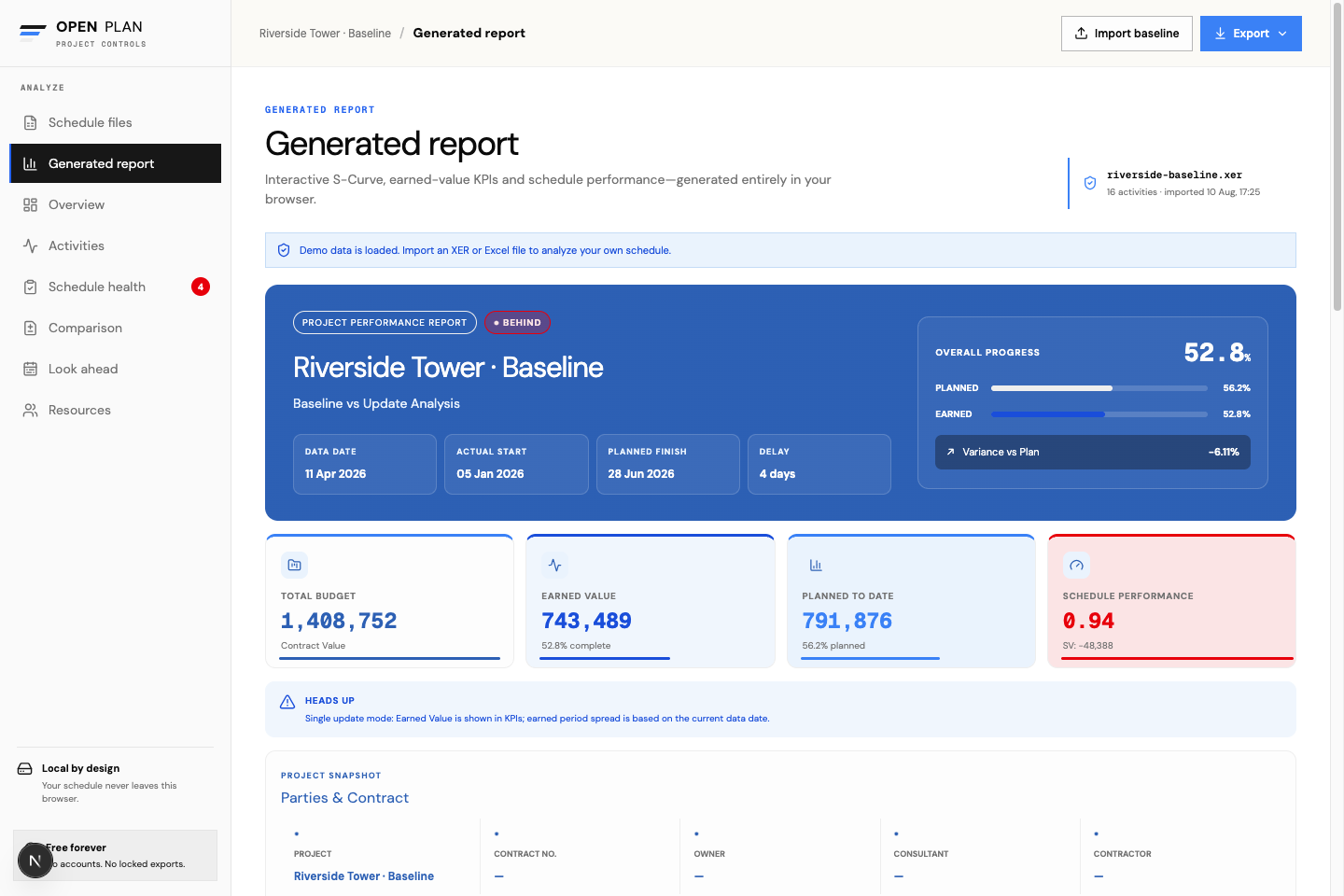
Generate earned-value KPIs, Monte Carlo confidence levels, and a practical project performance report.
Make the update legible
Turn schedule data into a clear view of planned value, earned value, schedule performance, forecast finish, and weekly movement — then go deeper with delay attribution and risk modelling when the story gets contentious.
OpenPlan processes files in the browser. Nothing is uploaded, stored, or sent to a server.